Online Whiteboard

Introduction to Online Whiteboards
An online whiteboard is a revolutionary digital tool that allows teams and individuals to collaborate in real-time, regardless of their physical location. At Sketchlie, we've developed an intuitive platform that transforms the way we work together, facilitating idea generation, project planning, and remote teaching.In this comprehensive guide, we'll explore in detail what an online whiteboard is, how it can benefit your team, and best practices for making the most of this powerful collaboration tool.
What Exactly is an Online Whiteboard?
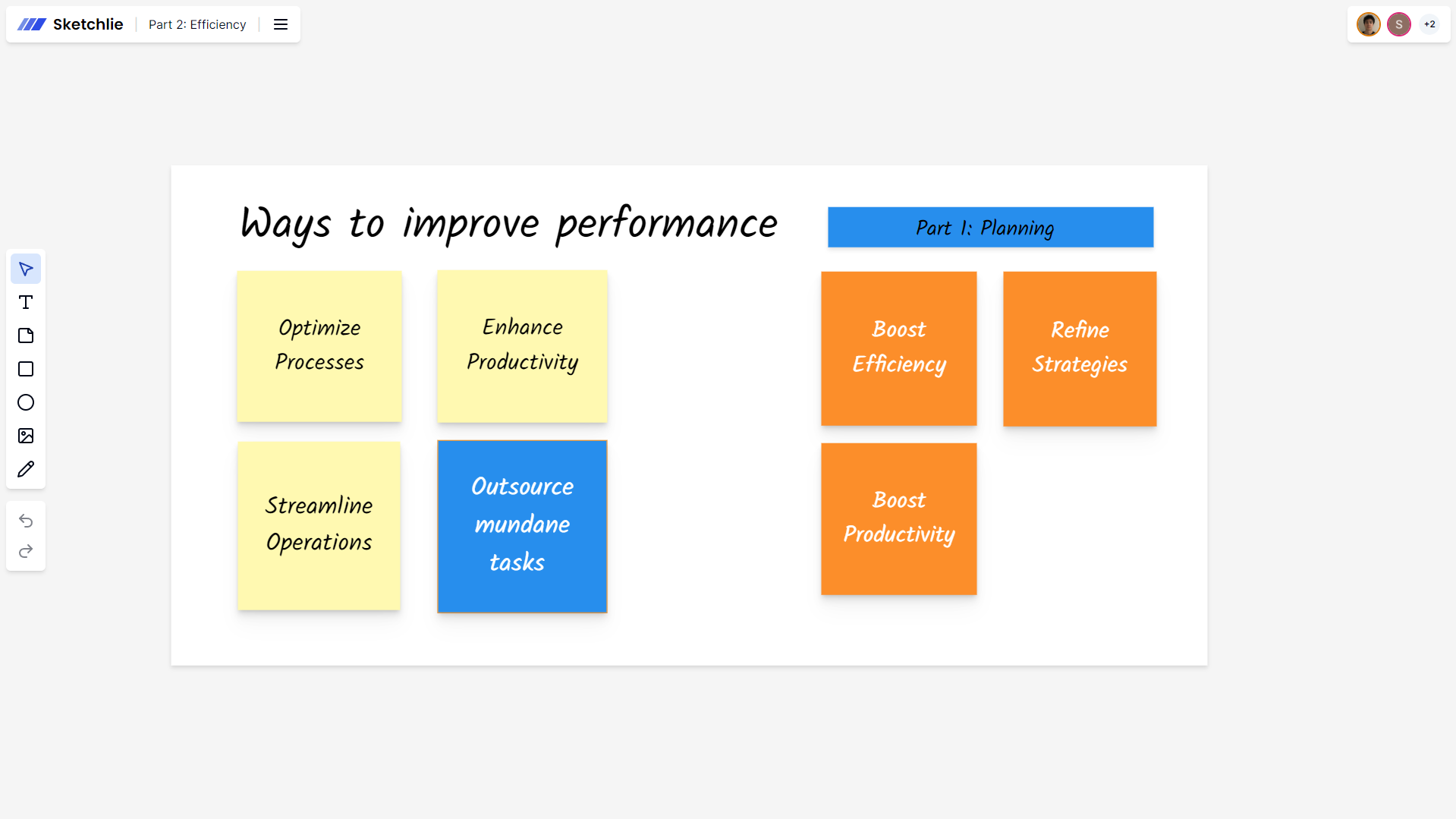
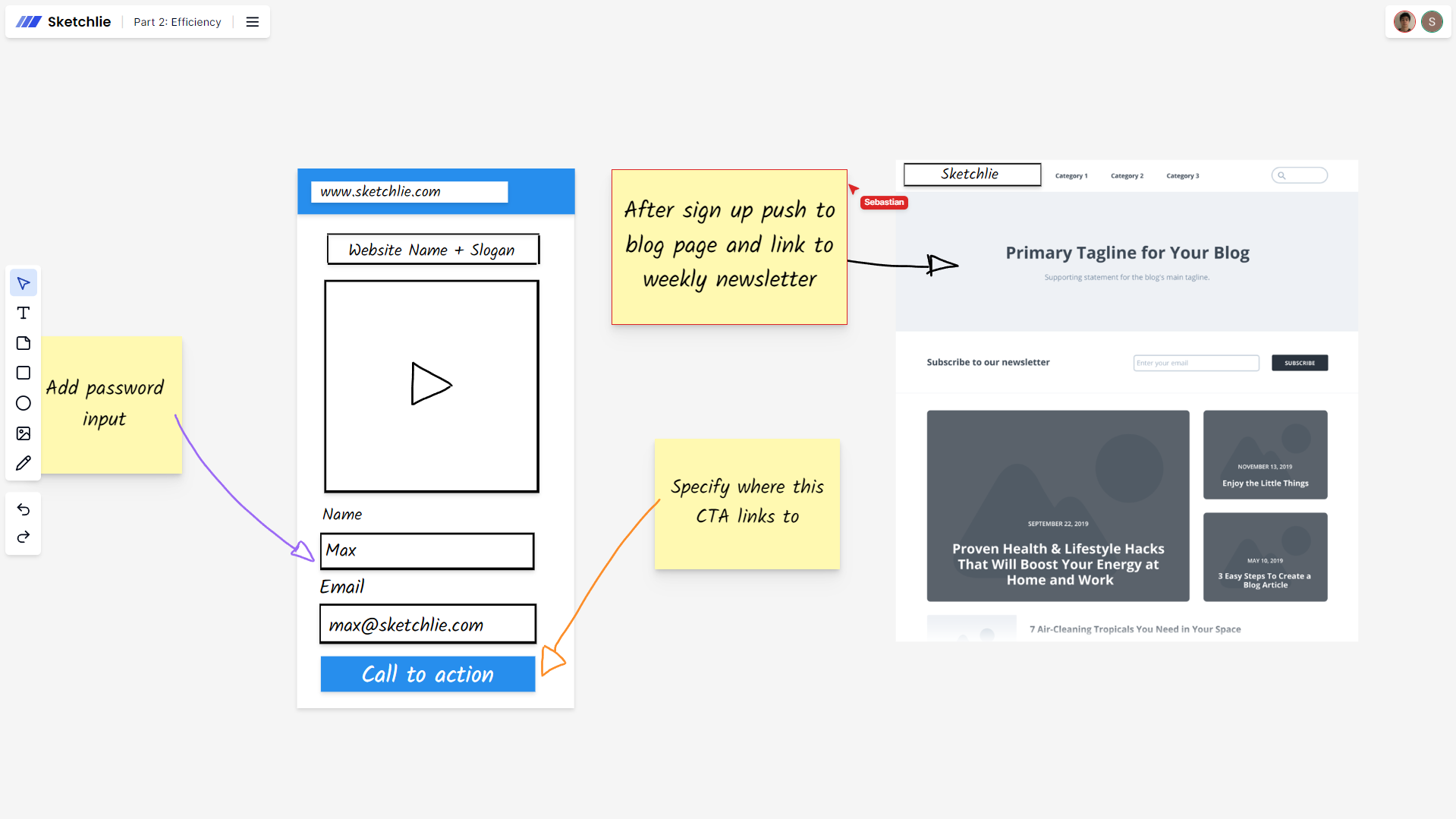
An online whiteboard, also known as a virtual whiteboard or digital whiteboard, is a cloud-based collaborative workspace that simulates a traditional physical whiteboard, but with infinitely superior capabilities. It allows users to draw, write, add images, and organize ideas visually, all in a shared digital environment.
Key features of an online whiteboard:
- Real-time collaboration among multiple users
- Infinite and scalable workspace
- Advanced drawing and text tools
- Multimedia integration (images, videos, documents)
- Automatic saving and access from any device
- Pre-designed templates for different types of projects
How to Use an Online Whiteboard
Using an online whiteboard is intuitive and accessible to anyone with an internet connection. Follow these steps to get started:
- Access the platform: Visit Sketchlie.com and create a free account.
- Create a new whiteboard: Click on New Whiteboard and choose a template or start from scratch.
- Invite collaborators: Share your whiteboard link with your team for real-time collaboration.
- Explore the tools: Familiarize yourself with the drawing, text, shape, and multimedia options.
- Start collaborating: Work on your ideas, share thoughts, and create together in real-time.
Benefits of Using an Online Whiteboard
Online whiteboards offer numerous advantages for teams and organizations:
- Borderless collaboration: Work with globally distributed teams in real-time.
- Improved visual communication: Express complex ideas clearly and concisely.
- Increased productivity: Centralize information and reduce meeting times.
- Fosters creativity: Provides a flexible space for brainstorming and innovation.
- Facilitates remote learning: Ideal for distance education and corporate training.
Best Practices for Using Online Whiteboards
Maximize the potential of your online whiteboard with these tips:
- Establish clear rules: Define guidelines for collaboration and whiteboard use.
- Use templates: Take advantage of pre-designed templates to save time and maintain consistency.
- Organize content: Use colors, labels, and groupings to structure information.
- Encourage participation: Motivate all team members to contribute actively.
- Save and share: Make regular backups and share results with stakeholders.
Use Cases for Online Whiteboards
Online whiteboards are versatile and adapt to various situations:
- Virtual meetings: Facilitates note-taking and real-time visualization of ideas.
- Project planning: Create mind maps, Gantt charts, and Kanban boards.
- UX/UI design: Develop collaborative wireframes and prototypes.
- Online education: Deliver interactive classes and create visual teaching materials.
- Brainstorming: Conduct dynamic and creative ideation sessions.
Conclusion: The Future of Collaboration
Online whiteboards have revolutionized the way teams collaborate, communicate ideas, and manage projects. At Sketchlie, we are committed to providing an intuitive and powerful platform that allows users to unlock their full creative and collaborative potential.
Whether you're managing a remote team, teaching online classes, or planning your company's next big project, an online whiteboard is an indispensable tool in any modern professional's toolkit.
Ready to take your collaboration to the next level? Sign up for free on Sketchlie and start experiencing the power of online whiteboards today.